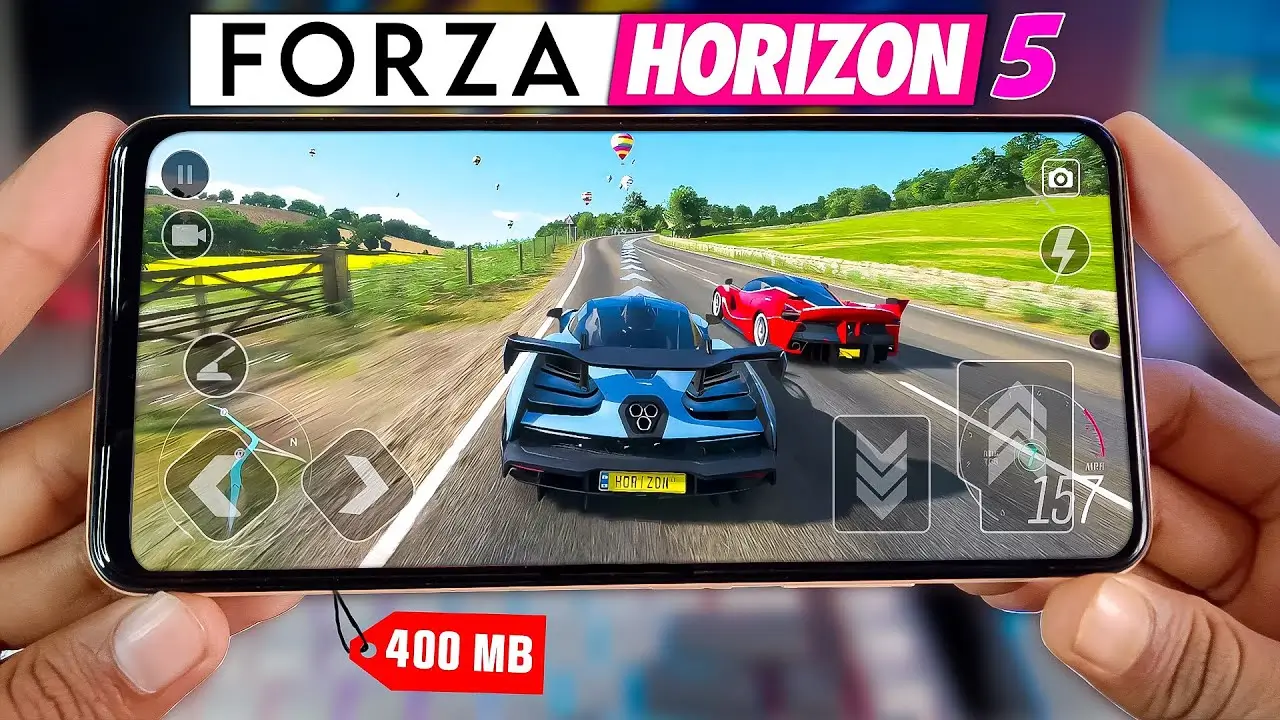
Forza Horizon on Mobile
Ways to Play Forza Horizon on Mobile? We’ve got the answer to your question on how to play Forza Horizon 5 or other Forza Horizon games on your mobile device. This detailed guide explores legitimate methods for enjoying the Forza Horizon on your mobile device, including what you will need, tips to get the best performance and caveats.
1. Understanding Platform and Availability
It’s important to understand how the Forza Horizon games are designed, and which platforms they run on. Forza Horizon was originally released on consoles as well as PC. For example, Forza Horizon 5 can be played on Xbox and PC. Xbox.com+2GTPlanet+2 This means that you can’t install Forza Horizon as a mobile native app. One user wrote:
You can only play the game natively on Xbox and PC. You can play the game on your phone if you have Game Pass Ultimate. GTPlanet.
2. Method A: Using Cloud Gaming (e.g., Xbox Cloud Gaming)
Cloud streaming is one of the best ways to play Forza Horizon mobile. Cloud streaming uses your mobile device as a controller and display, while the game is run on remote servers.
What You Need:
- Fast and stable internet connection (ideally at least 10 Mbps with low latency).
- The Xbox Game Pass Ultimate subscription supports Forza Horizon cloud streaming.
- Compatible mobile devices (Android and iOS)
- A Bluetooth controller or mobile gaming pad is an option for a better experience
How do you do it?
- Join the cloud gaming service that supports Forza Horizon.
- Open the app on your mobile device (for instance, the Xbox app) to sign in.
- Find Forza Horizon and click Play.
- If you prefer, connect a controller or use the on-screen controls.
- Start streaming the game and play it on your smartphone.
Advantages:
- Downloading large game files is not necessary (the data is stored on remote servers).
- Streaming gives you access to the console/PC game version (graphic fidelity, content).
- It works on any mobile device, even if it doesn’t have a high-end specification. The processing is done remotely.
Also Read: Best Open World Game for Mobile
Tips for best performance:
- Make sure you have a WiFi connection or strong mobile data (5G, or 4G with high quality) that supports low-latency.
- Use a controller. Streaming fast racing games such as Forza Horizon is much more enjoyable with a physical controller than a touch-only controller.
- If available, enable “performance mode” to reduce latency.
- Close all other apps to give streaming priority.
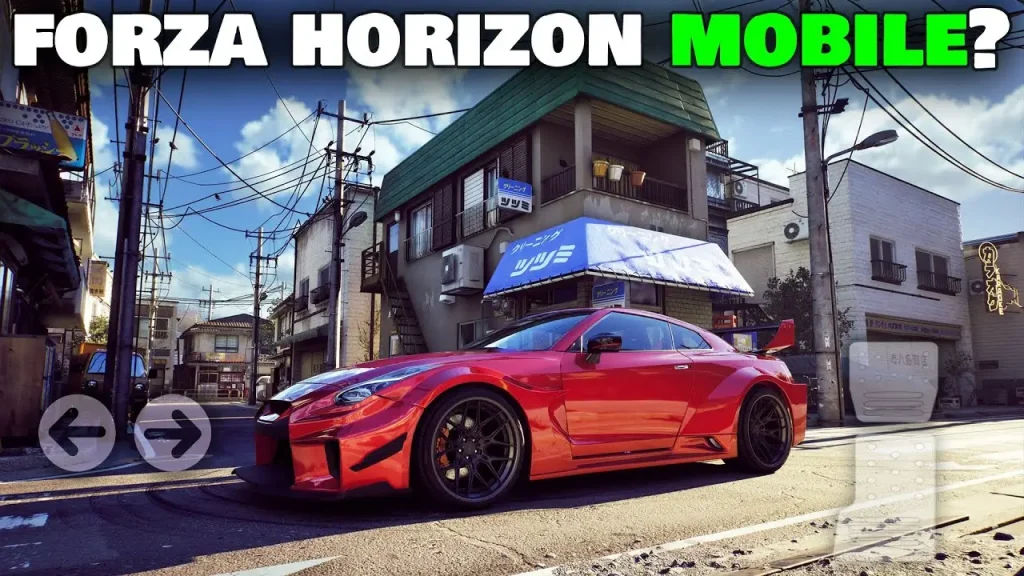
3. Method B: Remote play from your PC or console
You can also stream your Forza Horizon game from your Xbox or PC to your mobile device.
What You’ll Need:
- S or Xbox One) or PC.
- Mobile device connected to the same local network as the console/PC (or a suitable network).
- Remote play apps (e.g. Xbox or specific remote streaming apps)
- The host computer must have a strong WiFi network (5GHz is preferred) or a wired connection.
How do you set it up?
- Make sure your console/PC allows streaming/remote playing.
- Install the Remote Play app on your phone (official Xbox App or a compatible companion).
- Connect a controller (recommended) to your smartphone.
- Start streaming the game from your console/PC.
- Play the game as if it were on your mobile phone but your console/PC is handling everything.
Benefits and considerations for
- This is a great way to avoid paying subscription fees and keep full control of your game.
- For best results, you should use a local network or a high-speed one.
- Latency and bandwidth limitations may affect performance if you stream via the internet.
4. Method C: Native mobile port or alternatives
There are racing games for mobile devices that are inspired by Forza Horizon or marketed in a similar way. Some websites show “Forza Horizon 4 Mobile APK” listings. Softonic, for example, listed “Forza Horizon Mobile version”.
Warnings and Caveats:
- Some of the “mobile app” listings are unofficial or they may violate licenses.
- Check for store legality and developer announcements.
- Community forum confirms Forza Horizon 5 is but not available as a native mobile install. Cloud is the way to go.
- There are many “mobile” versions of software, but they lack features like cross-saving or full functionality.
Also Read: How to Earn Money with a Drone
5. Choose the best option for your situation
We recommend that you use the following criteria for making decisions:
- cloud-streaming allows you to play Forza Horizon mobile without any hassle if you have an internet connection, a Game Pass Ultimate membership (or the equivalent in your region).
- Remote play allows you to control your Xbox/PC from the console/PC if you have a strong home network.
- Downloading “mobile ports” (or APKs) from unofficial sources is not recommended. The risk of compromising your device, or violating terms and conditions, can be high.
- For the best gaming experience, use a controller in conjunction with your mobile device. Racing games such as Forza Horizon are enhanced by tactile controls instead of touchscreens.
- Test your network bandwidth and latency (streaming racing game requires low latency).
6. Performance Tips and Mobile Setup Best practices
Consider these tips to get the best out of Forza Horizon mobile:
- If possible, use WiFi instead of mobile data, especially in the 5GHz band to reduce latency and interference.
- Connect a Bluetooth gamepad, such as an Xbox Controller or another compatible controller if your device supports this feature.
- Set the frame rate and resolution to match the network capabilities (for instance, 720p at 60fps will be better than 1080p at low frames per second).
- Make sure your phone doesn’t overheat. Long gaming sessions can cause heat to build up, which could slow down performance. Place your phone on a flat surface or use a cooler.
- Temporarily disable background sync for apps to reduce distractions and free bandwidth.
- Check your router settings to see if you are experiencing lag or stutter. Enable QoS (quality-of-service) for gaming/streaming traffic.
- If possible, use a wired Ethernet connection to connect your console or PC when you are doing remote play. This will reduce lag in comparison with WiFi.